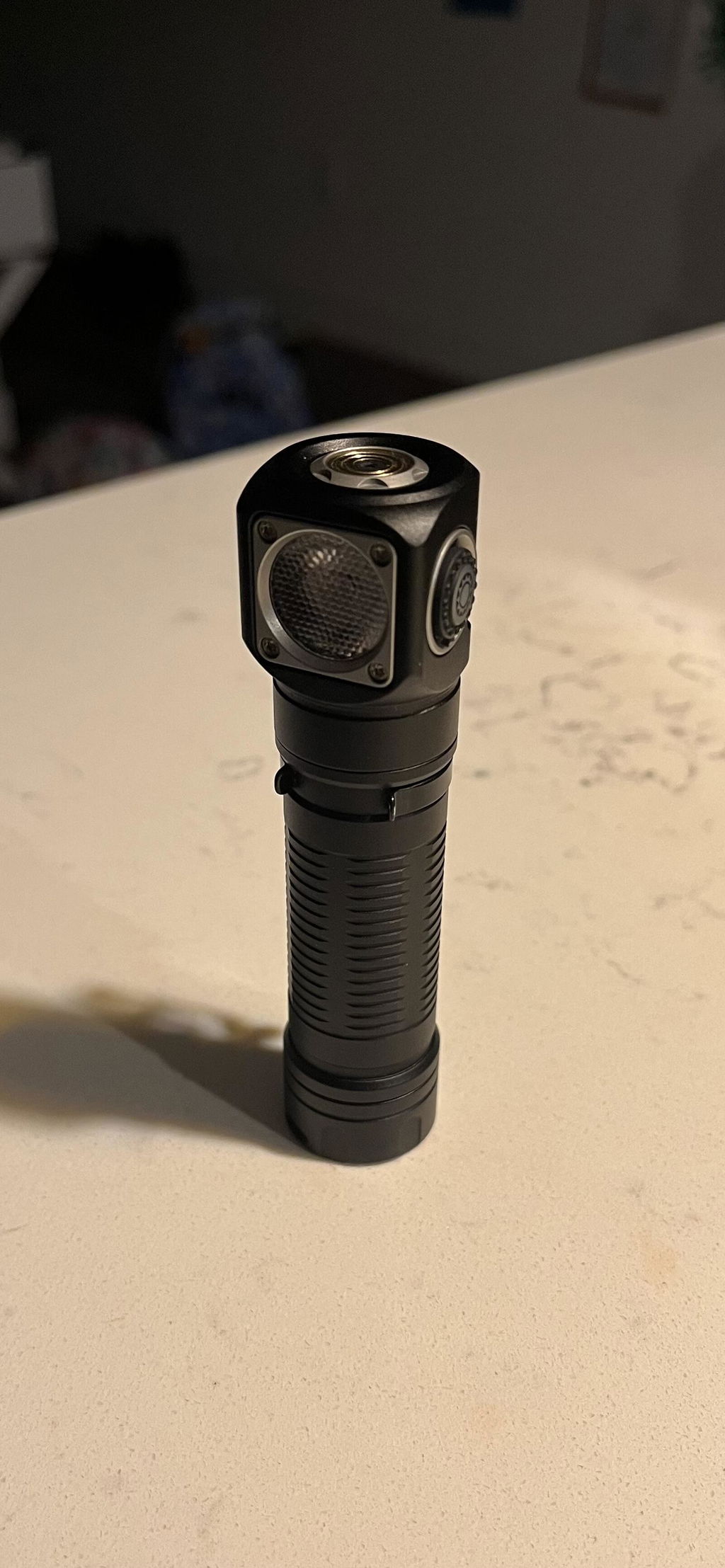
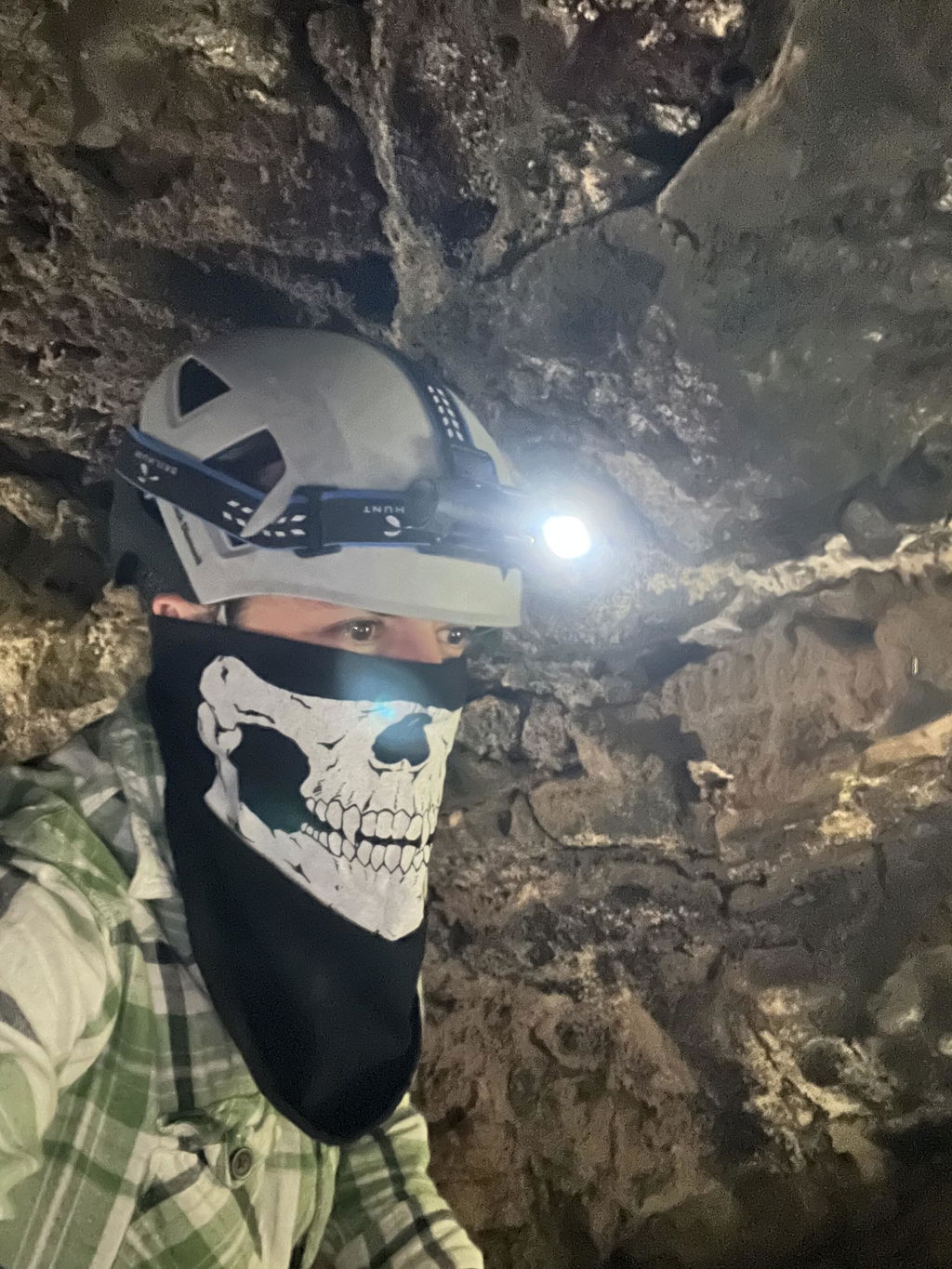
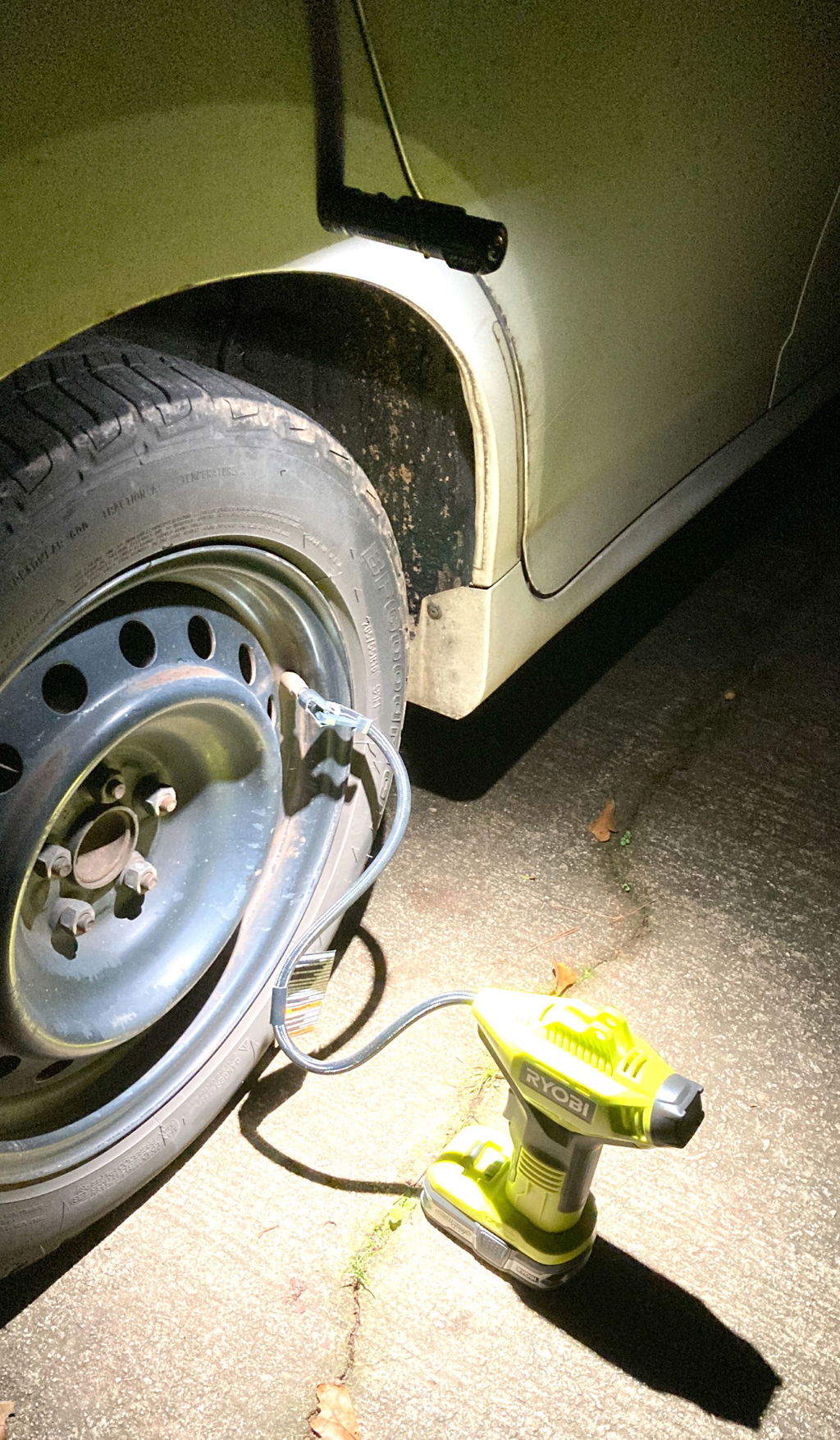
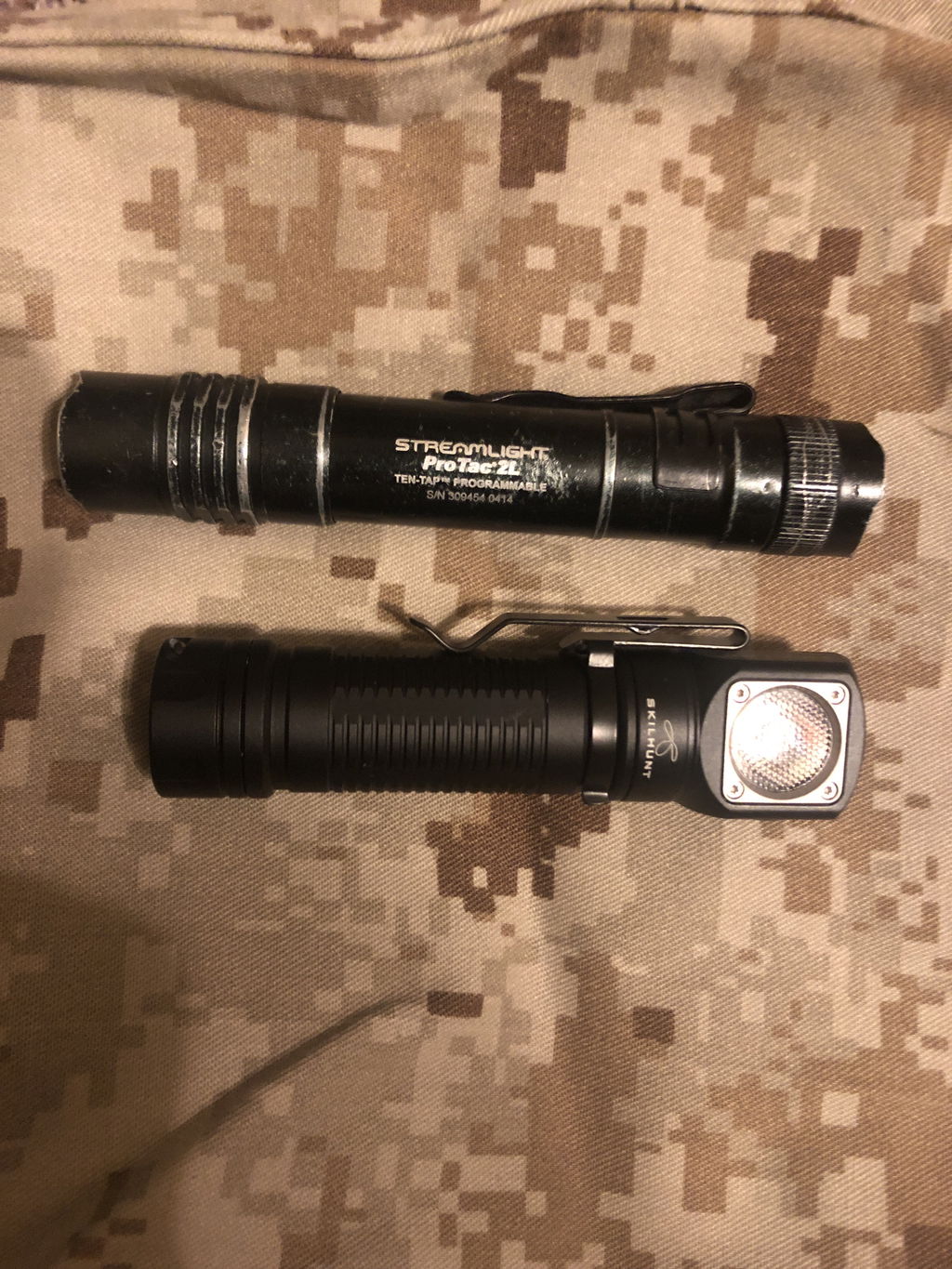
Skilhunt H04 RC / H04R RC USB Rechargeable Headlamp
H04 RC / H04R RC LED headlamp
________________________________________
LED:
Cool White 5700K-6500K
NVSW519AT 5000K R9080
NVSW519AT 4000K R9080
NVSW519AT 3000K R9080
Max output:
ANSI 1300 Lumens (Cool White 5700K-6500K )
ANSI 800 Lumens (Nichia 519A 5000K R9080)
ANSI 760 Lumens (Nichia 519A 4000K R9080)
ANSI 670 Lumens (Nichia 519A 3000K R9080)
Max runtime: Few months
Max beam distance: 123 meters
Max peak beam intensity: 3800cd
Waterproof: IPX-8
Impact resistant: 1 Meter
Battery: 1×18650 , 2x CR123A , 2x RCR123A
Rated Range: 2.7V ~ 6.5V
Dimension:
Length 99.9mm / 3.93 inch
Head diameter 23.5mm / 0.93 inch
Body diameter 21.6mm/0.85 inch
Weight: 48g / 1.69oz (without battery)
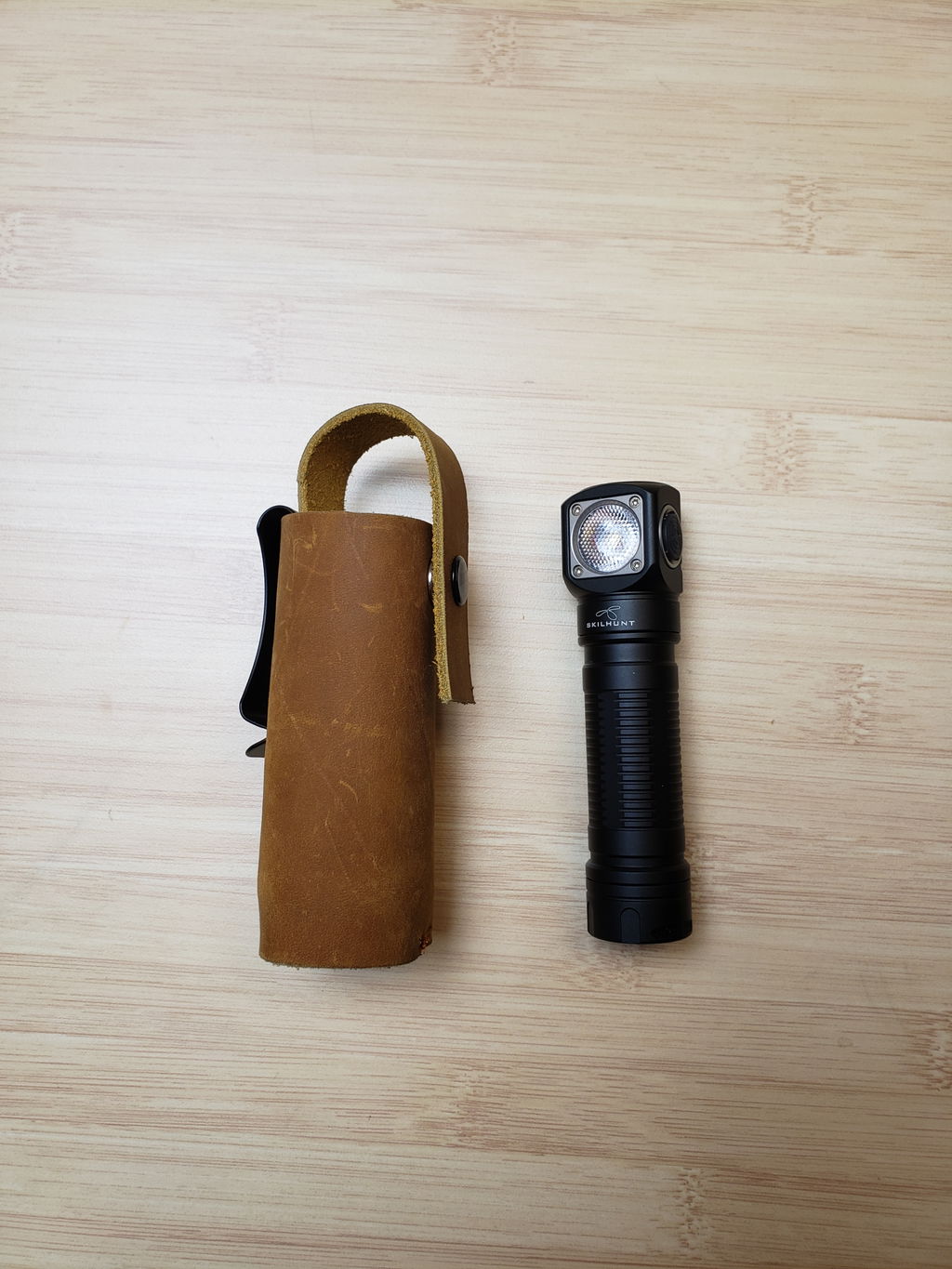
Accessories: Headband, clip, lanyard, magnet replace rubber pad, Operator’s manual, Warranty card, Spare O-ring
________________________________________
Operation
1. Battery installation & Replace magnet: Insert the battery into the flashlight,the battery positive pole toward the light head.
Ensure batteries are inserted correctly, the flashlight will not operate with incorrectly inserted batteries. Ensure when the light turning on,the beam is directed away from the eyes.
When take the light with Bankcards(magnetic) or Cell phone,should replaced Magnet with rubber pad.
________________________________________
- ON/OFF
Single-click the side switch to turn the light on/off. When the light is turned off,
it will memorized the current brightness level or mode.
- CHANGE BRIGHTNESS LEVEL
When the flashlight is OFF :
Single-click the switch to select <Main Group> (H-M1-M2).
Press and hold the switch for 0.5 seconds to select <Low Group>(L1/L2).
Double-click quickly to switch <Turbo Group> (T1/T2).
Triple-click quickly to switch to <Strobe Group> (S1/S2/S3).
When the flashlight is ON in<Main Group>, <Turbo Group>, or <Low Group>
Press and hold the switch to cycle through levels. The level will be set when the switch
is released, and it will be memorized when turned off.
When the flashlight is ON in <Low Group> <Main Group>
Quickly double-click to switch <Turbo Group>, and quickly double-click again to return
to the previous level.
Quickly triple-click to switch <Strobe Group>, and quickly triple-click again to return to
the previous level.
Quickly click and hold to toggle between <Low Group> and <Main Group>.
When the flashlight is ON in <Strobe Group>
Press and hold the switch to cycle through S1-S2-S3, and the memorized setting will be
turned off.
3.LOCK-OUT FUNCTION & LOCATION INDICATOR
When the flashlight is off , quickly click the switch 4 times to enter the lockout mode
(the location indicator will activate at the same time, flashing once every second).
Double-clicking the switch will turn the indicator on or off.
Quickly click the switch 4 times again to unlock the button and activate Low mode.
- LOW VOLTAGE INDICATOR
When the battery voltage drops below 3.0V, the indicator flashes twice every 2 seconds,
and the light flashes rapidly every 2 minutes.
When the battery voltage drops below 2.7V, the light will turn off.
Charging instructions and notices
In charging, the red indicator constant light on, when battery almost full charge, indicator change to constant blue light. When the red indicator flash, please check battery contacts good or not.
Warning: Rechargeable function only for one 18650 (3.6/3.7V) rechargeable lithium battery! Please make sure the battery is correctly insert, otherwise it will damage the charging system.
———————————————————
Updated hidden features (May 2023)
The low to M/H shortcut, 1 click + 1 hold click.
In the new UI , Low mode don’t included this blinking warning. If you don’t need the blinking warning in other higher modes too, you can turn it off (When in L1 / L2 mode, Hold click the side switch, the light will be cycling as L1-L2, cycling 5 times, then flash 3 times, turn off, that blinking warning turn off. Same way to turn this function on.)